

Services: Client portals in Raleigh, North Carolina
Before: Endless Email Threads. After: One Client Portal.
Purple Triangle Website Systems builds client portals and digital service delivery systems in WordPress for businesses in Raleigh, North Carolina, across the United States, and in Nigeria. Clients log in to see documents, messages, invoices, and progress in one private place.
From $4,500
A client portal is a private, password-protected area of your website where each client sees only their own documents, messages, invoices, and project status. Purple Triangle builds client portals in WordPress starting at $4,500, so you deliver your service online and spend less time answering status emails.
Last updated: October 2026. Written by Christian Egwuibe, founder and lead developer of Purple Triangle.
Why Service Delivery Gets Messy
Files live in email attachments, shared drives, and chat apps. Clients ask for the same document twice. Invoices and status updates go out by hand. As you grow, the admin grows faster than the work.
What This Service Does
We build a secure client area on your own website. Each client has a login and sees their own files, messages, forms, invoices, and status. You manage everything from one dashboard, with roles and permissions that control who sees what.
How the Pieces Connect
- 01Client Logs InA secure login on your own website.
- 02Their Own SpaceFiles, messages, forms, invoices, and status.
- 03Your DashboardYou manage every client from one place.
- 04Right AccessRoles and permissions control who sees what.
Who it is for
Is This Service Right for You?
- Consultants, advisors, and agencies that share documents with clients
- Service businesses that deliver work in stages
- Membership organizations and nonprofits with member-only content
- Businesses that want to replace a patchwork of email, drives, and chat
Three Results You Can Expect
Clients Serve Themselves
Clients find documents, invoices, and status without emailing you.
A More Professional Experience
A branded portal on your own domain builds trust from the first login.
Less Admin as You Grow
Adding clients adds logins, not more email threads.
What Is Included
- Secure client login on your own domain
- Client dashboard with status and next steps
- Document upload and download
- Messages or notes per client
- Invoices and payments, if needed
- Intake forms and questionnaires
- Roles and permissions for your team
- Email notifications for new items
Pricing
Pricing for Client Portals and Digital Service Delivery
Clear starting prices, right here. Your exact fixed price is set in a written scope before any work starts. Compare everything on the pricing page.
Client Portal
From$4,500
- Secure client login on your domain
- Client dashboard with status
- Documents, messages, and forms
- Roles and permissions
- Email notifications
Systems Build
From$12,000
- Full website plus portal
- Invoices and payments in the portal
- Booking connected to the portal
- Process mapping and phased delivery
Approach
How We Do the Work
We start with how you deliver your service today and design the portal around your stages, not the other way around. Where existing plugins fall short, we build custom WordPress functionality.
-
Map Your Service
We document each stage of your service and what clients need at each one.
-
Design the Portal
We agree the screens, permissions, and notifications before building.
-
Build and Secure
We build the portal, set up roles, and test access thoroughly.
-
Launch and Onboard
We launch with your first clients and refine based on real use.
Related work
Sites we have built
A few live examples. Each one opens a short write-up and links to the site itself.
-
Client project
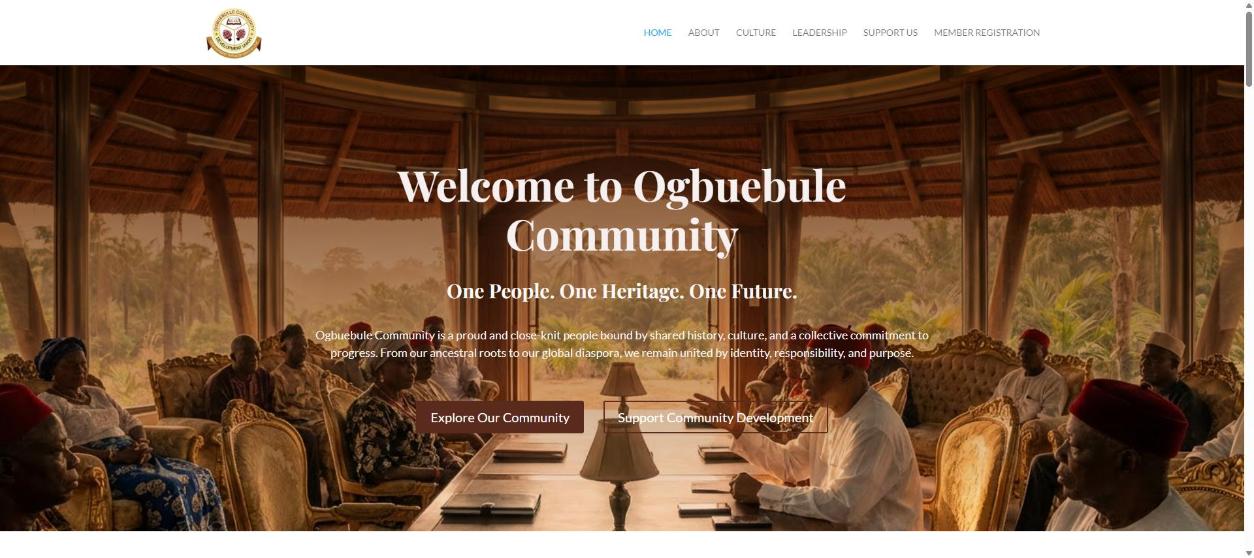
Ogbuebule Community
The official online home of the Ogbuebule community in Abia State, Nigeria: its history, culture and leadership, with member registration and ways to support.
-
Client project
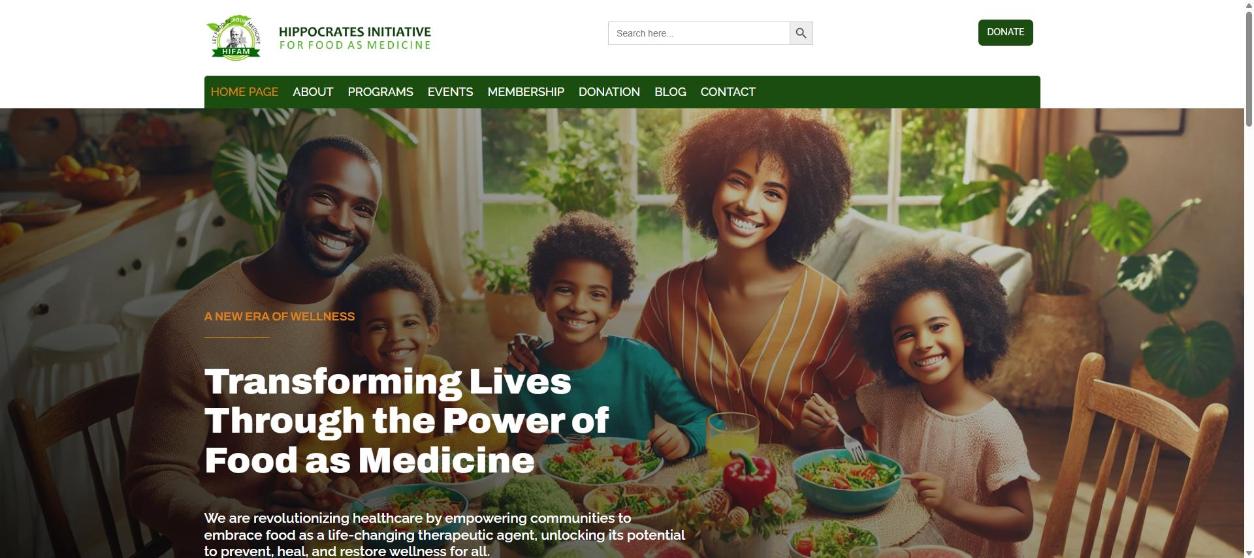
Hippocrates Initiative for Food as Medicine
A nonprofit teaching food as medicine through workshops, outreach, research and advocacy, with membership and donations built in.
-
Client project
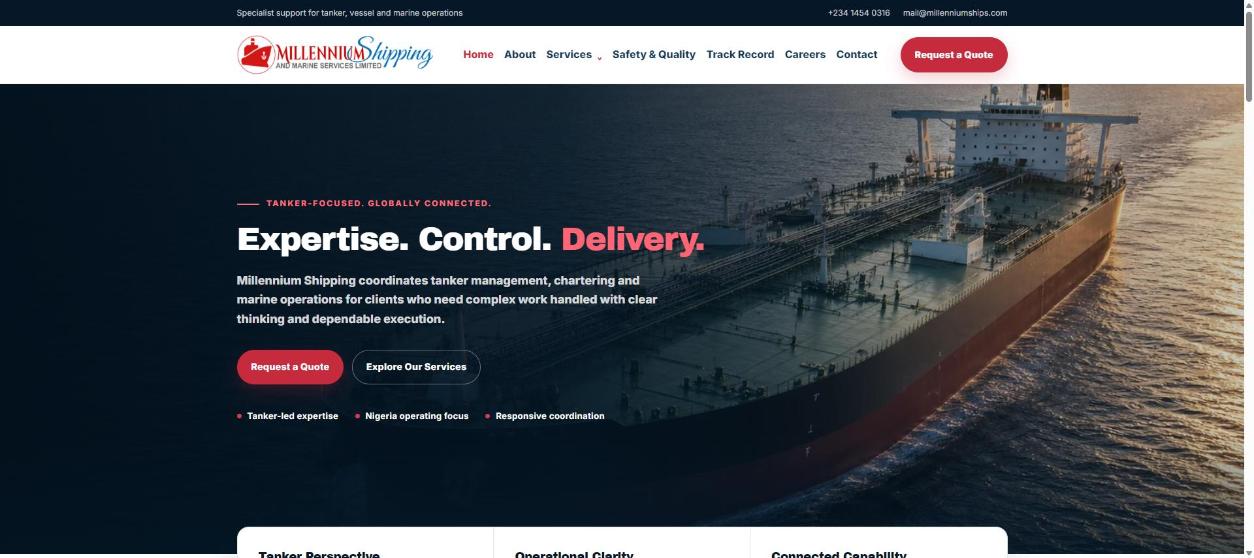
Millennium Shipping and Marine Services
Tanker management, chartering and marine services, presented as three clear capabilities with a quote request always in reach.
FAQ
Questions About Client Portals
Is a client portal secure?
Each client logs in with their own account and sees only their own information. We use WordPress roles and permissions, secure connections, and careful access testing before launch. Keeping the site updated on a care plan helps it stay secure over time. Portal accounts use unique logins and role-based access, so each person sees only the records that belong to them.
How much does a client portal cost?
Client portals start at $4,500. The final price depends on the features you need, such as documents, messages, invoices, or intake forms. You receive a written scope and a fixed price before any work starts, so the cost does not change unless you change the scope.
Can the portal take payments?
Yes. A portal can show invoices and let clients pay online through a payment gateway connected to your site. We can also connect booking, so clients schedule their next session from inside the portal. Payment features are agreed and priced in your written scope.
Do I own the portal and the client data?
Yes. After final payment you own the website, the portal, and the data in it. The portal lives on your own WordPress site, not on a third-party platform that charges per user, so you control access and can export your data.
Related services
Pair It With
Most clients connect two or three services. These fit naturally with client portals. See all services.
Booking, Payments, and Customer Journeys
Online booking, deposits, and checkout connected to your site and your inbox.
AI and Business Automation
Reminders, follow-ups, and data entry that run on their own.
Custom Business Systems and Integrations
Custom WordPress plugins and integrations built for how your business runs.
Next step
Ready to Give Clients One Place to Go?
Tell us how you deliver your service today. We will design a portal around your stages and send a written scope with a fixed price.